> For the complete documentation index, see [llms.txt](https://docs.abyssprotocol.xyz/llms.txt). Markdown versions of documentation pages are available by appending `.md` to page URLs; this page is available as [Markdown](https://docs.abyssprotocol.xyz/trading.md).
# Trading
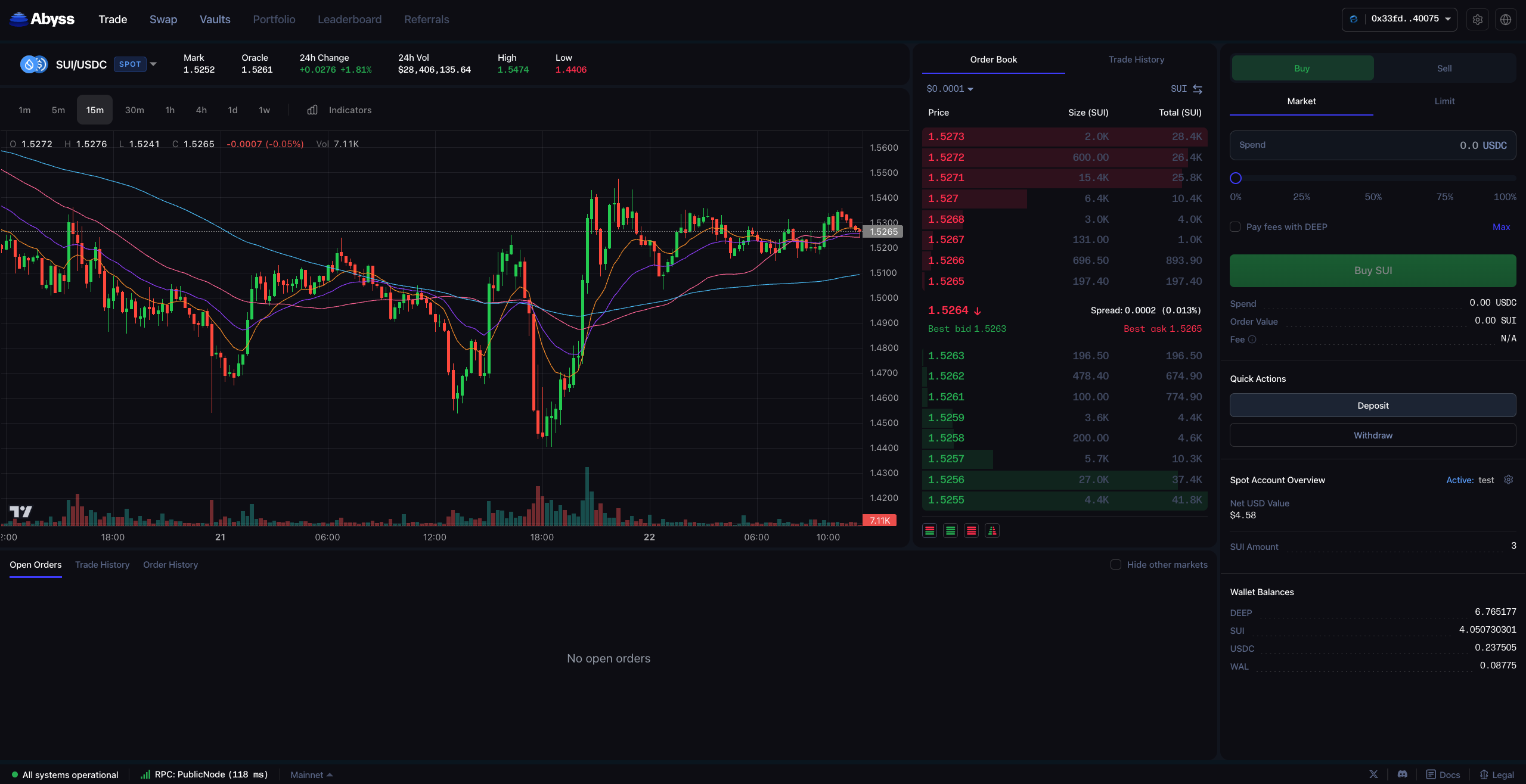
Welcome to the Abyss trading page! Here is a guide on how to use it
Abyss offers two ways to trade:
{% content-ref url="/pages/afVzpJo5cTfkc3fUFWkB" %}
[Spot trading on Abyss](/trading/spot-trading-on-abyss.md)
{% endcontent-ref %}
{% content-ref url="/pages/FCGYI7xJg9GXdJtPhehr" %}
[Margin trading on Abyss](/trading/margin-trading-on-abyss.md)
{% endcontent-ref %}
Abyss offers two ways to trade on DeepBook, either using Spot or Margin.
#### Supported Trading Pairs
| Pair | Type | Max Leverage |
| --------- | ------------- | ------------ |
| SUI/USDC | Spot & Margin | 5x |
| WAL/USDC | Spot & Margin | 3x |
| DEEP/USDC | Spot & Margin | 3x |
| DEEP/SUI | Spot only | - |
| NS/USDC | Spot only | - |
| XBTC/USDC | Spot only | - |
***
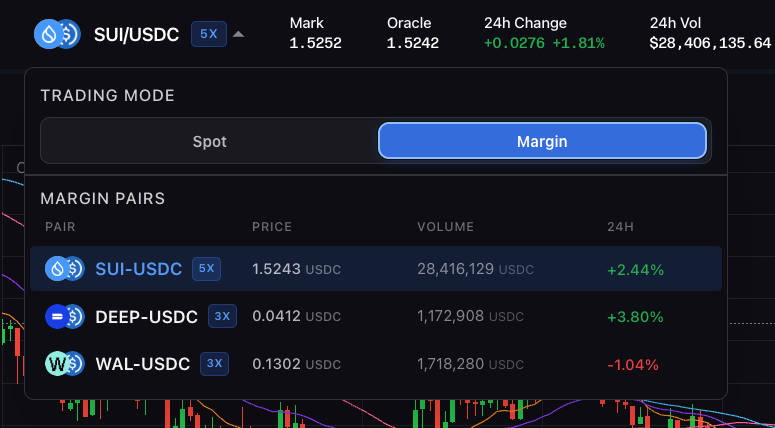
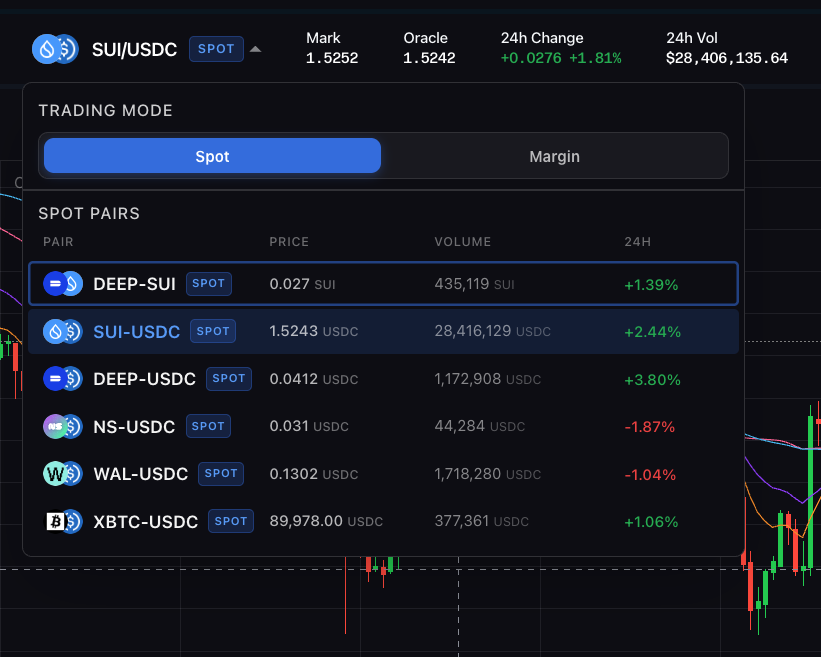
To access margin trading simply click on the trading pair at the top left and select margin, Spot markets have a SPOT tag and margin markets have a max leverage tag e.g. 5X. At launch Abyss offers three margin markets and six spot markets all listed on the app.